

 iMelonArt
Guides
Apply smarter, not just faster
How to find the jobs you want, write answers that sound like you, and fill long forms in minutes.
Start with your path
What do you need today?
Start here
The three guides to read first
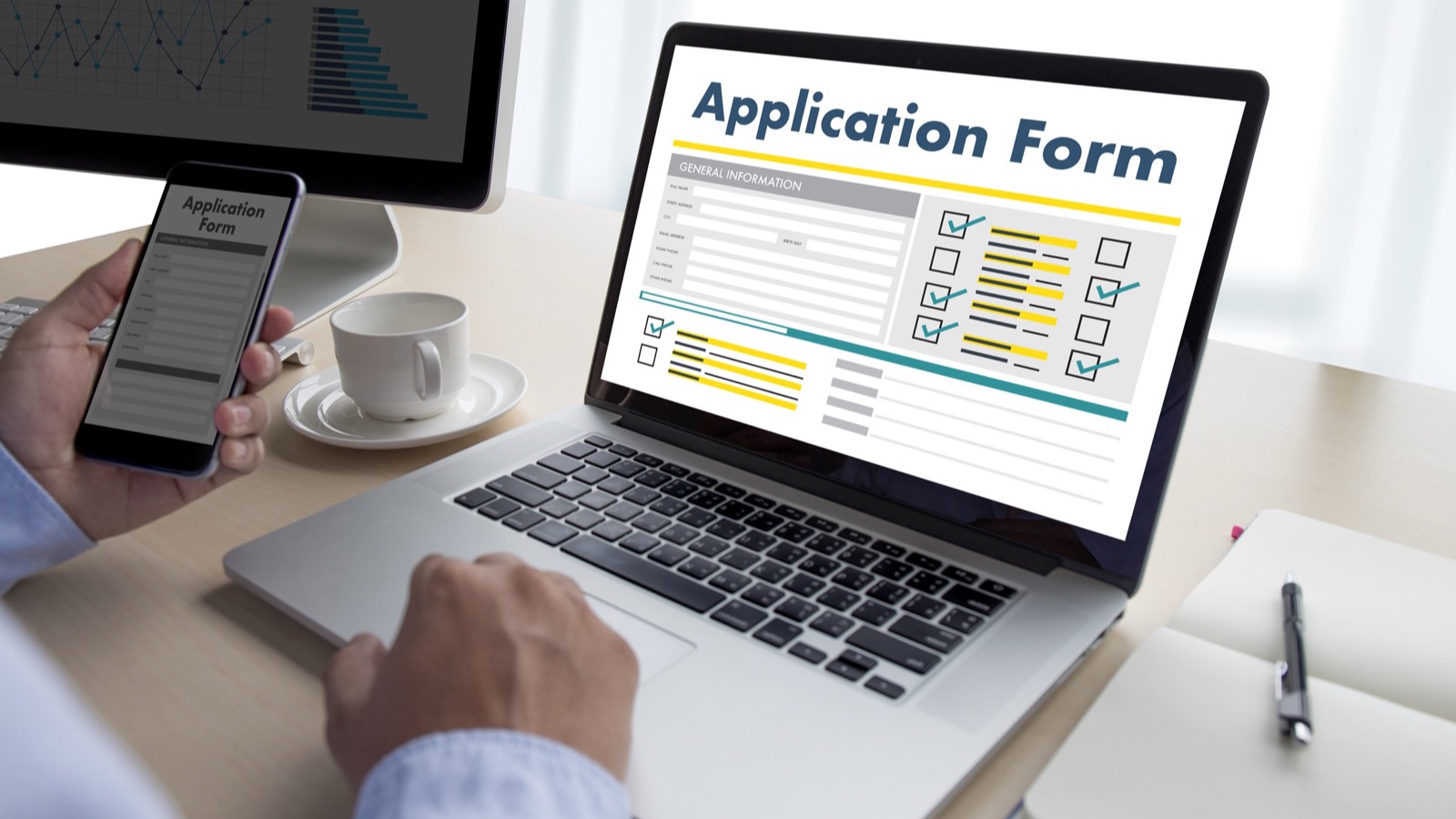 Using OneClick Apply · 5 min readHow to fill a Workday application in minutes, not an hourWorkday forms are long and come in steps. A step by step guide to filling them with OneClick Apply, and what to check before you press Submit.
 Job seekers · 7 min readDoes an ATS reject your job application? What really happens
 Job seekers · 5 min readUsing AI on job applications without sounding like a robot
Job search prompts
Find the jobs you want, every week
Copy a prompt into your AI assistant and fill in the brackets. If your assistant can run tasks on a schedule, set the weekly ones once and start every Monday with a short list.
- 1Copy a prompt and fill in the [brackets]
- 2Make it a weekly task in your AI assistant
- 3Open the jobs, then let OneClick Apply fill the forms
Your Monday shortlist
Every Monday morning, find 5 job openings for me posted in the last 7 days.
Role: [the job title you want]
Where: [city and country, or remote]
About me: [3 lines: your experience, your strongest skills, what you want next]
Skip: [what you don't want, such as agencies or night shifts]
For each job, give me the title, the company, the link, the salary if it is shown, and one line on why it fits me. Best match first. Only list jobs you found today, with working links.
Is this job for me?
Here is a job description and my CV. In 5 short bullets, tell me where I match, what is missing, and whether I should apply. Then give me the 2 questions I should prepare for the interview. Be honest, and don't invent experience I don't have.
Job description: [paste it]
My CV: [paste it]
Your Friday check in
Every Friday at 5 pm, ask me how many applications I sent this week. If it is fewer than 3, pick the 2 best jobs from Monday's list and tell me the first thing to do for each, in one line. If it is 3 or more, tell me what went well and one thing to try next week. Keep it short and encouraging.
All guides
Every guide
4 guides
- Job seekers · Advice · 7 min readNewDoes an ATS reject your job application? What really happensMost recruiters say an ATS does not auto-reject resumes. See what really happens after you press Submit, and a checklist of what you can control.November 22, 2026
 Using OneClick Apply · Comparison · 6 min readNewAuto-apply bots, AI agents or OneClick Apply: which should you use?Three kinds of tools now fill job applications for you. Here is what each one does well, where each one falls short, and when OneClick Apply is not the right choice.November 21, 2026
- Using OneClick Apply · How to · 5 min readNewHow to fill a Workday application in minutes, not an hourWorkday forms are long and come in steps. A step by step guide to filling them with OneClick Apply, and what to check before you press Submit.November 21, 2026
- Job seekers · Advice · 5 min readNewUsing AI on job applications without sounding like a robotRecruiters can spot a generic AI answer in a line. How to use an AI draft as a starting point, keep your own voice, and never send a claim that isn't true.November 21, 2026
OneClick Brief · every Monday
Start each week with a plan
- One job search prompt to run that week
- The new guides, in two lines each
- What's new in OneClick Apply
How we compare
OneClick Apply and the other tools
There are three kinds of tools. Autofill helpers fill the form and you submit. Auto-apply bots find jobs and submit for you. OneClick Apply fills the form, drafts the open answers, and always leaves Submit to you.
| OneClick ApplyAutofill plus AI drafts | Simplify CopilotAutofill helper | TealTracker and resume builder | LazyApplyAuto-apply bot | AIApplyAuto-apply service | JobCopilotAuto-apply service | |
|---|---|---|---|---|---|---|
| How it works | Fills the form in your browser from your profile and drafts the open answers | Fills forms on 100+ application systems such as Workday and Greenhouse | Saves jobs to a tracker, with AI autofill in beta on some systems | Applies in bulk on LinkedIn, Indeed and ZipRecruiter | Finds jobs and applies from its cloud | Finds jobs and applies on autopilot |
| Who presses Submit | You, always | You. The Autopilot beta for some paid members submits for you | You | The bot | AIApply, or you in Review mode | JobCopilot |
| Review before it goes | Every field, every time | Yes with Copilot, no review step with Autopilot | Yes | No | Optional, with Review or Hybrid mode | You can edit generated text |
| Accelerator and VC scout forms | Yes, with Founder mode | Not a listed feature | Not a listed feature | Not a listed feature | Not a listed feature | Not a listed feature |
| Free to start | Yes. 5 free applications, then 5 every month | Yes, autofill and tracking are free | Yes, free plan | No free tier | Limited, no auto-apply | No free trial |
| Paid price | 50 credits for $5, 200 for $15, 800 for $50 | Simplify+ (price shown in the app) | Teal+ $13 a week or $29 per 30 days | $99, $149 or $999 a year | Auto Apply from about $49 a month | About $28 to $56 a month |
| How you pay | One time credit pack, valid 6 months, no subscription | Subscription | Subscription | Yearly only | Subscription plus credits | Subscription |
Prices and features come from each vendor's site and published reviews, checked November 2026. They change often, so check the vendor's own page before you buy.
When another tool is the better fit
You want to send hundreds a day
An auto-apply bot sends more, faster. You give up the review step, and quality often drops.
You mostly need a tracker
Teal and Simplify track every job you save. OneClick Apply focuses on filling the form well.
You want a resume builder
Teal and AIApply build and tailor resumes. OneClick Apply uses the profile you already have.
FAQ
Questions people ask first
Does OneClick Apply submit applications for me?
No. It fills the form and drafts answers to open questions. You read everything, change what you want, and press Submit yourself.
What does it cost?
You get 5 free job applications to start, then 5 free every month. During the beta your first $5 credit pack is free too. After that, credit packs give you 50 credits for $5, 200 for $15 or 800 for $50. 1 credit is 1 job application. There is no subscription.
Do my credits expire?
A credit pack stays valid for 6 months after you buy it. Your free applications are always used first.
What is Founder mode?
Founder mode fills accelerator, VC scout and grant applications from your company information and the answers you saved, one question at a time. A founder application uses 10 credits from a pack.
Which sites does it work on?
It recognises the main application systems, such as Workday, Greenhouse, Lever, Ashby, SmartRecruiters, iCIMS and Workable, and accelerator forms on YC, Airtable, Typeform and Google Forms. It also works on most other web forms, including forms in several steps.
Will a recruiter know I used AI?
Only if you send a generic draft. Treat each draft as a starting point, add your own examples, and never keep a claim that is not true.
Which browsers are supported?
OneClick Apply is a Chrome extension. During the beta, we email you as soon as it is ready to download.
How do I delete my account and data?
Delete your account from your account page. Your profile, CV and usage are deleted at once. A daily backup of profiles is kept for up to one year, then deleted. You can export your data first.
Trust Center
Your data, your applications, your call
A job application holds a lot about you. Here is what OneClick Apply does with it, and what it never does.
You stay in control
OneClick Apply never presses Submit. Every field and every draft waits for you to check it.
Payments by Stripe
Credit packs are paid through Stripe Checkout. Your card details go to Stripe, never to OneClick Apply.
Hosted on Google Cloud
The website runs on Google Cloud in the Netherlands, and your account data is stored in the European Union.
Your profile data
We keep your account, profile, CV and the answers you choose to keep, only to fill your forms. We never sell it and never use it for ads.
How AI is used
Claude, made by Anthropic, reads your CV and writes the drafts. Anthropic may not train on your data and deletes it within 30 days. We don't train AI on it either.
Delete anytime
Delete your account from your account page and your data goes at once. A daily backup is kept for up to one year, then deleted.
Documents
OneClick Apply is run by iMelonArt LLC. Every provider that handles your data is listed in the Trust section of the Support page.
Can't find what you need? Ask us on the Support page.